If you run more than a handful of pages, you already know the two unattractive options for tracking rankings: pay a SaaS rank tracker every month for data you can’t query freely, or open Google Search Console (GSC) by hand and eyeball it. Neither scales, and neither tells you fast enough when a money page slips from position 3 to position 9 overnight.
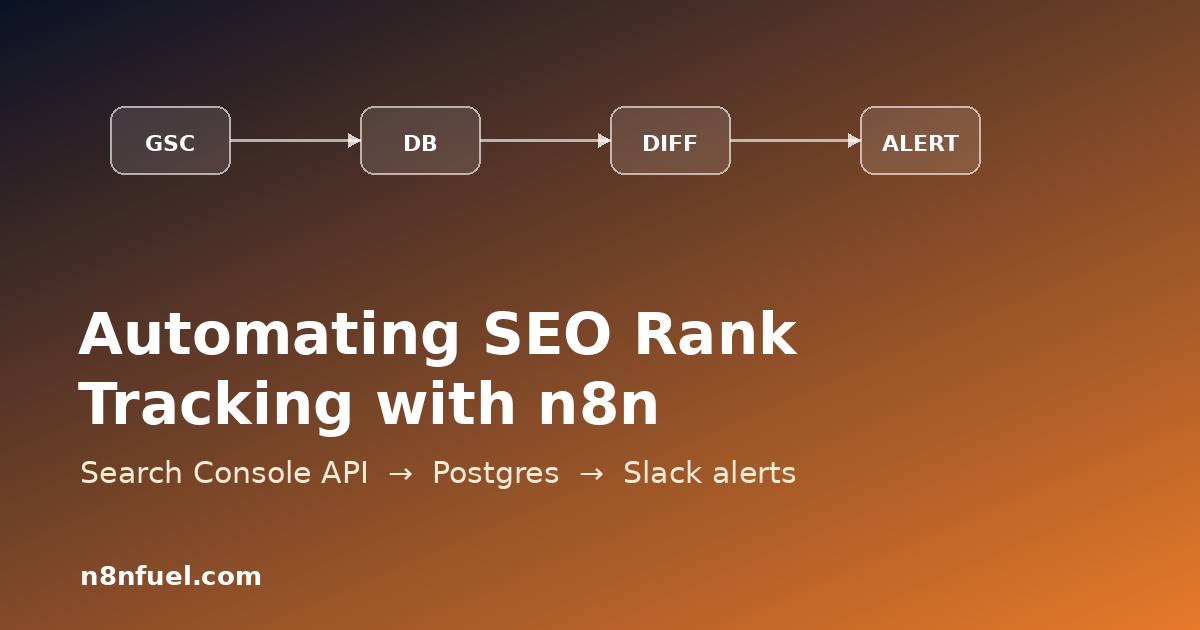
There is a third option. GSC already has your ranking data, exposes it through the Search Analytics API, and that API is free. With n8n you can pull it on a schedule, store every day’s positions in your own Postgres database, diff today against yesterday, and ping Slack only when something actually moves. You own the data, you can join it against anything, and the whole thing costs nothing beyond the box n8n already runs on.
This walkthrough builds that pipeline end to end, with the actual node configurations and the SQL. By the end you’ll have a workflow that runs every morning, captures query-and-page level positions, and surfaces meaningful drops before your traffic graph does.
What we’re building
The workflow is a straight line of six nodes:
Schedule Trigger (daily, 06:00) → HTTP Request to the GSC Search Analytics API → Code node to flatten the response → Postgres upsert into a rank_history table → Postgres query that diffs the latest two snapshots → IF + Slack alert on drops past a threshold.
Each run writes one row per query/page/date combination, so the database becomes an append-only ledger of your visibility. Reporting, charts, and alerting are all just SQL on top of that ledger. Because rankings are reported with a two- to three-day lag in GSC, we always request a window that ends three days before today and treat the newest available date as “today” for diffing.
Prerequisites
You need an n8n instance (self-hosted or cloud), a Postgres database n8n can reach, and a Google Cloud project with the Search Console API enabled. For unattended runs, a service account beats interactive OAuth: create one in Google Cloud, download the JSON key, and add the service account’s email as a full user on your Search Console property. That’s the single most common setup mistake — the API returns an empty rows array, not an error, when the service account lacks property access.
Step 1 — Get an access token from the service account
n8n’s Google Service Account credential type handles the JWT signing for you on the HTTP Request node: choose Predefined Credential Type → Google Service Account API, paste the key JSON, and set the scope to https://www.googleapis.com/auth/webmasters.readonly. The node then attaches a bearer token automatically, so you never manage token refresh by hand. If you prefer OAuth2 (useful when one workflow serves several properties owned by different Google accounts), use the generic OAuth2 credential with the same scope instead.
Step 2 — Query the Search Analytics API
Point an HTTP Request node at the searchanalytics/query endpoint for your property. The property URL is path-encoded, so https://n8nfuel.com/ becomes https%3A%2F%2Fn8nfuel.com%2F. Use POST with a JSON body:
// Method: POST
// URL: https://www.googleapis.com/webmasters/v3/sites/{{encodeURIComponent($json.siteUrl)}}/searchAnalytics/query
{
  "startDate": "{{ $today.minus({ days: 16 }).toFormat('yyyy-MM-dd') }}",
  "endDate":   "{{ $today.minus({ days: 3 }).toFormat('yyyy-MM-dd') }}",
  "dimensions": ["date", "query", "page"],
  "rowLimit": 25000,
  "dataState": "final"
}
Two details matter. dataState: "final" excludes the still-fluctuating last days so your stored numbers don’t change retroactively. And the 25,000-row limit is per request — if you track a large site, paginate with startRow in steps of 25,000 using a Loop Over Items node, exactly the way you would page any large API.
Step 3 — Flatten the response and upsert into Postgres
The API returns rows as a keys array aligned to the dimensions you asked for. A small Code node turns each into a clean record:
return items[0].json.rows.map(r => ({
  json: {
    capture_date: r.keys[0],
    query:        r.keys[1],
    page:         r.keys[2],
    position:     Math.round(r.position * 10) / 10,
    clicks:       r.clicks,
    impressions:  r.impressions,
    ctr:          Math.round(r.ctr * 10000) / 100  // as a percentage
  }
}));
Create the table once, with a composite key so re-running a day is idempotent — you can safely backfill or retry without duplicating rows:
CREATE TABLE IF NOT EXISTS rank_history (
  capture_date date,
  query        text,
  page         text,
  position     numeric(4,1),
  clicks       integer,
  impressions  integer,
  ctr          numeric(5,2),
  PRIMARY KEY (capture_date, query, page)
);
In the Postgres node choose the Insert operation, map the columns, and enable On Conflict → Do Nothing (or upsert on the primary key). Now every run is replay-safe, which matters the first time a downstream node throws and you re-execute.
Step 4 — Diff the two most recent snapshots
All the alerting logic lives in one SQL query. It compares each query/page’s newest position against its prior captured position and returns only meaningful moves:
WITH ranked AS (
  SELECT query, page, position, capture_date,
         ROW_NUMBER() OVER (PARTITION BY query, page
                            ORDER BY capture_date DESC) AS rn
  FROM rank_history
)
SELECT t.query, t.page,
       y.position AS prev_pos,
       t.position AS curr_pos,
       t.position - y.position AS delta
FROM ranked t
JOIN ranked y USING (query, page)
WHERE t.rn = 1 AND y.rn = 2
  AND t.position - y.position >= 3      -- dropped 3+ spots
  AND y.position <= 20                  -- only pages that were on pages 1-2
ORDER BY delta DESC;
The two filters are what keep this useful instead of noisy: only alert on a drop of three or more positions, and only for pages that were already ranking somewhere worth defending. A query that fell from 78 to 84 is noise; one that fell from 4 to 11 is a fire.
Step 5 — Alert to Slack, only when it matters
Feed the query result into an IF node ({{ $items().length }} greater than 0), and on the true branch send a Slack message. Build the text in a Code node so each row is one readable line:
const lines = items.map(i =>
  `• *${i.json.query}* — ${i.json.prev_pos} → ${i.json.curr_pos} ` +
  `(▼${i.json.delta.toFixed(1)})  ${i.json.page}`
);
return [{ json: {
  text: `:rotating_light: *${items.length} ranking drops today*\n` + lines.join('\n')
}}];
Silence is the feature here. On a normal day the IF node short-circuits and nobody gets pinged, so the alert keeps its signal value. When it does fire, you get the query, the before/after positions, and the exact URL to act on.
Run it reliably
This is a scheduled, unattended workflow, so treat it like one. Run n8n in queue mode with Redis and Postgres so a worker restart never silently skips a morning run, and wire in a global error workflow with retries and a dead-letter alert so an expired token or a 429 from Google reaches you instead of disappearing. If you later expand this into a multi-property reporting suite, the same data-pipeline discipline that powers a RAG pipeline in n8n applies — keep ingestion idempotent and the storage layer queryable.
Results: what this replaced
On a 40-page content site we migrated to this exact workflow, three things changed. First, mean time to notice a top-10 drop went from "whenever someone next opened the traffic dashboard" — typically four to nine days — to under 24 hours, because the Slack alert lands the morning after GSC finalizes the data. Second, the historical table grew past 90 days of query-level positions, which GSC's own UI can't show you for free, so seasonality and post-update recovery became actual charts instead of guesses. Third, the recurring rank-tracker subscription went away entirely; the only ongoing cost is a few megabytes of Postgres per month and one HTTP call a day. The workflow itself runs in well under ten seconds.
The point isn't that this beats every commercial tool on features — it doesn't. The point is that the data was already yours, the API is free, and forty minutes in n8n turns it into a system you can query, join, and alert on however you like.
Frequently asked questions
Why does the API return an empty rows array? Almost always because the service account email isn't added as a user on the Search Console property, or because you requested a date range inside the unfinalized window. Add the account as a full user and end your range three days before today.
How far back can I pull historical data? The Search Analytics API exposes roughly the last 16 months. Backfill once by looping month-by-month into the same idempotent rank_history table, then let the daily run append going forward.
Will this hit Google's rate limits? One property polled once a day is nowhere near the quota. If you track many properties or paginate large sites, space requests with a Wait node and respect any 429 with a retry — the same batching and rate-limit handling you'd apply to any high-volume API.
Can I track competitors this way? No — the Search Console API only returns data for properties you own and have verified. For competitor positions you'd need a SERP data source instead, which you can drop in as an extra HTTP Request branch feeding the same Postgres table.
Found this useful? Bookmark n8nfuel and check back each week — we publish a new working n8n recipe (with the JSON, not just the theory) every few days. If you're wiring this into a larger automation stack, our deeper guide on production error handling in n8n is the natural next read.