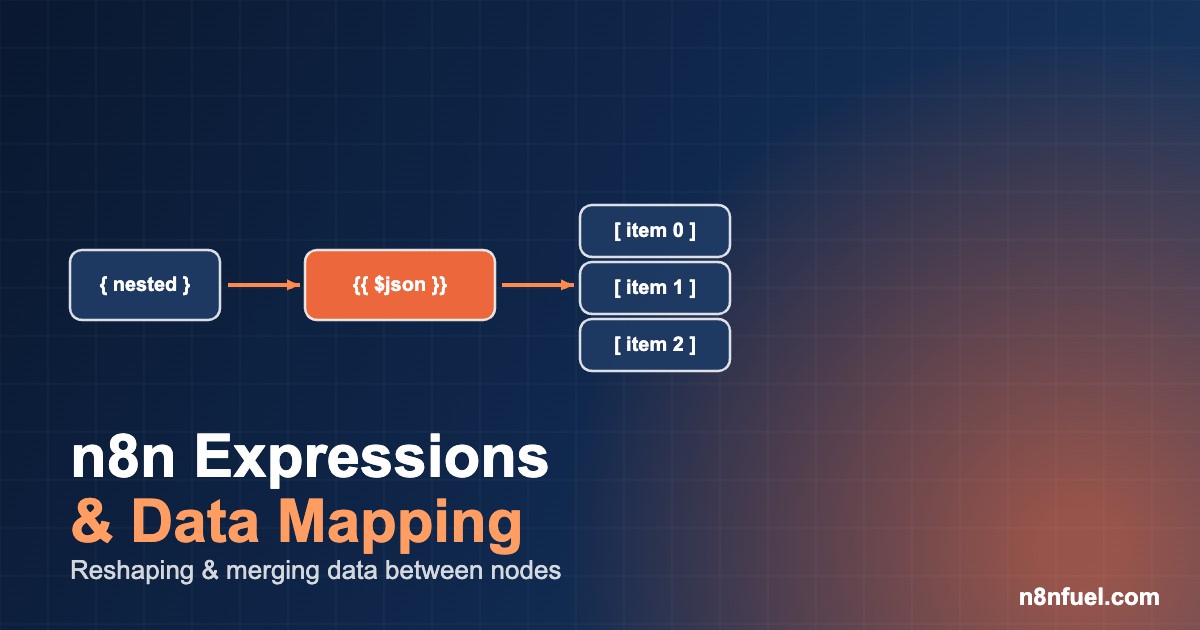
Almost every n8n tutorial shows you how to add nodes and connect them. Far fewer explain the part where most workflows actually break: getting the data into the right shape as it moves from one node to the next. An API returns a deeply nested object, the node downstream expects a flat list, a field is sometimes missing, and suddenly you have a chain of fifteen Set nodes and a workflow nobody wants to touch.
This guide is about that layer — n8n expressions and the data-mapping patterns that turn brittle node chains into two or three readable lines. It assumes you know what JSON, arrays and APIs are, but not necessarily how n8n thinks about data internally. By the end you will have a mental model plus five reshaping recipes you can paste straight into your own workflows.
The n8n data model in 90 seconds
The single idea that unlocks expressions: every node receives and emits an array of items, and each item is an object with a json property (and optionally binary). When a node has three items coming in, n8n usually runs the node three times — once per item — and the expression you write is evaluated in the context of the current item.
That is why these are the references you reach for constantly:
{{ $json.email }}            // a field on the current item
{{ $json.user.address.city }} // nested access on the current item
{{ $node["HTTP Request"].json.id }} // a field from a named earlier node
{{ $items("HTTP Request") }}  // the full array of items from a node
{{ $now }}  {{ $today }}       // Luxon DateTime helpers, not raw JS Date
The most common confusion is $json versus $node[...]. $json is always “the item I am processing right now.” $node["Name"].json reaches back to a specific upstream node’s current item. When you need all items from an earlier node — to count, sum or look something up — use $items("Name"), which returns the array. Internalising this one distinction removes about half of all “cannot read property of undefined” errors.
Five reshaping patterns you will actually use
These are ordered roughly by how often they come up in production workflows. Each is a drop-in expression or a tiny Code node.
1. Rename and restructure fields across items
A CRM webhook gives you first_name, last_name and email_address; your database expects name and email. Instead of three Set nodes, use one Set node in “raw / JSON” mode with expressions:
{
  "name": "{{ $json.first_name }} {{ $json.last_name }}",
  "email": "{{ $json.email_address.toLowerCase() }}",
  "source": "webhook"
}
Every expression here runs per item, so a batch of 200 contacts is remapped in a single node execution.
2. Flatten a nested API response
Many REST endpoints wrap the useful data: { "data": { "results": [ ... ] } }. n8n’s Item Lists node (“Split Out Items”) turns one item containing an array into one item per element. Point it at the field path:
Field to split out: data.resultsIf you also need to lift nested keys to the top level afterwards, follow with a Set node in raw mode: { "id": "{{ $json.id }}", "title": "{{ $json.attributes.title }}" }. This pairs well with paginated fetches — see our walkthrough on pulling large paginated APIs in n8n, where every page arrives wrapped and needs flattening before processing.
3. Merge data from two branches
When you have enriched data on one branch and the original record on another, the Merge node in “Combine → Merge by key” mode is almost always the right tool — it joins on a shared field like id without you writing a loop. Reach for an expression only for trivial passthroughs. If you find yourself nesting lookups, that is a signal to switch to a Code node (next section) rather than fighting expression syntax.
4. Access fields that are sometimes missing
The fastest way to crash a workflow at 3am is assuming a field exists. Use optional chaining and the nullish-coalescing operator directly inside expressions:
{{ $json.user?.profile?.phone ?? "no-phone" }}
{{ ($json.tags ?? []).join(", ") }}
{{ $json.amount != null ? $json.amount : 0 }}
Wrapping array operations in ($json.field ?? []) means a missing array becomes an empty one instead of throwing. This single habit prevents the majority of overnight failures and pairs naturally with a global error workflow and dead-letter queue for the cases you cannot anticipate.
5. Dates and timezones with Luxon
n8n ships Luxon, so do not reach for raw new Date(). The built-in helpers are timezone-aware and format cleanly:
{{ $now.toFormat("yyyy-LL-dd") }}            // 2026-06-28
{{ $now.minus({ days: 7 }).toISO() }}       // 7 days ago, ISO
{{ DateTime.fromISO($json.created_at).toFormat("HH:mm") }}
Setting GENERIC_TIMEZONE on your instance makes $now resolve to your business timezone — important on a self-hosted box that may default to UTC.
Expressions vs the Code node: a quick decision
Expressions are perfect for single-value transforms inside a field. The moment you need loops, multi-step logic, or to reshape the whole items array at once, move to the Code node. A clean rule of thumb:
| Use an expression when… | Use the Code node when… |
|---|---|
| Mapping or formatting one field | Building a new items array from scratch |
| A simple ternary or default value | Grouping, deduplicating or aggregating |
| Concatenating a couple of values | Logic that spans more than one line comfortably |
A Code node that aggregates all incoming items into a single summary looks like this:
const total = $input.all()
  .reduce((sum, item) => sum + (item.json.amount ?? 0), 0);

return [{ json: { order_count: $input.all().length, revenue: total } }];
Note $input.all() in the Code node is the array equivalent of $items() in an expression. Returning [{ json: {...} }] collapses many items into one — the standard “fan-in” pattern after a batch.
A real refactor: 14 Set nodes to 3 expressions
On a recent lead-routing workflow we inherited, the mapping stage between an inbound form and HubSpot was 14 chained Set nodes — one per field, each adding ~40 ms of overhead and making the canvas unreadable. Rebuilding it as a single Set node in raw-JSON mode with per-field expressions cut it to one node, dropped the stage from roughly 560 ms to under 90 ms per execution, and — more importantly — made the field mapping reviewable in a single screen during code review. The two remaining expressions handled a computed full_name and a defaulted lifecycle_stage ?? "lead". No new dependencies, no Code node, just the data model used deliberately.
The lesson generalises: most “messy” n8n workflows are not messy because the logic is hard, but because the data-shaping was done one Set node at a time instead of in one expression-driven pass.
Common pitfalls
A few traps that catch even experienced builders:
Referencing a node that did not run for this item. If a branch is skipped, $node["That Node"] throws. Guard with $node["That Node"]?.json or restructure so the reference is always upstream on the same path.
Confusing .first() with the current item. In a Code node, $input.first() is item zero, not “the current item” — there is no single current item in Code node “Run Once for All Items” mode. Switch the node to “Run Once for Each Item” if you want per-item semantics.
Forgetting expressions are JavaScript. Inside {{ }} you have real JS: .map(), .filter(), template literals and ternaries all work. You rarely need a Code node for string work.
If your workflow is growing past a comfortable size, that is also the cue to split shared mapping logic into a reusable sub-workflow — our guide on modular sub-workflows with the Execute Workflow node covers passing data cleanly across that boundary.
Key takeaways
Master three things and expressions stop being a guessing game: items are always an array, $json is the current item while $items() / $input.all() is the whole set, and missing data should be defended with ?. and ?? before it reaches production. Use expressions for single values, the Code node for whole-array logic, and Luxon for anything involving time. Do that and your workflows shrink, read better, and fail far less often at 3am.
Found this useful? Bookmark n8nfuel and check back each week — we publish a new working n8n recipe (with copy-paste JSON and real numbers) every weekday. For a more advanced data-heavy build, see how we wire reshaped data into a RAG pipeline with Qdrant and Claude.
Frequently asked questions
What is the difference between $json and $node in n8n?
$json refers to the current item the node is processing right now. $node["Node Name"].json reaches back to a specific earlier node’s current item, and $items("Node Name") returns that node’s full array of items. Use $json for the item in front of you and $items() when you need every item from an upstream node.
When should I use the Code node instead of an expression?
Use an expression for single-value transforms — formatting, defaults, concatenation. Switch to the Code node when you need to build a new items array, loop, aggregate, group or deduplicate, or when the logic no longer fits comfortably on one line. The Code node’s $input.all() gives you the whole array to work with.
How do I safely handle missing or null fields in an expression?
Use optional chaining and nullish coalescing: {{ $json.user?.profile?.phone ?? "n/a" }}. Wrap array operations as ($json.list ?? []).map(...) so a missing field becomes an empty array instead of throwing. This prevents the majority of unattended workflow failures.
Why should I use $now instead of new Date() in n8n?
$now and $today are Luxon DateTime objects that are timezone-aware and have clean formatting methods like .toFormat() and .minus(). Combined with the GENERIC_TIMEZONE environment variable, they resolve to your business timezone rather than the server’s UTC default, which avoids off-by-hours bugs on self-hosted instances.